Third-Party Integrations
Wrap your own APIs and databases as tools your agents can call. The write-capable counterpart to adaptors.
On this page
Third-Party Integrations wrap your own web services and databases as tools your agents and Jobs can call, including tools that write.
Where to find it
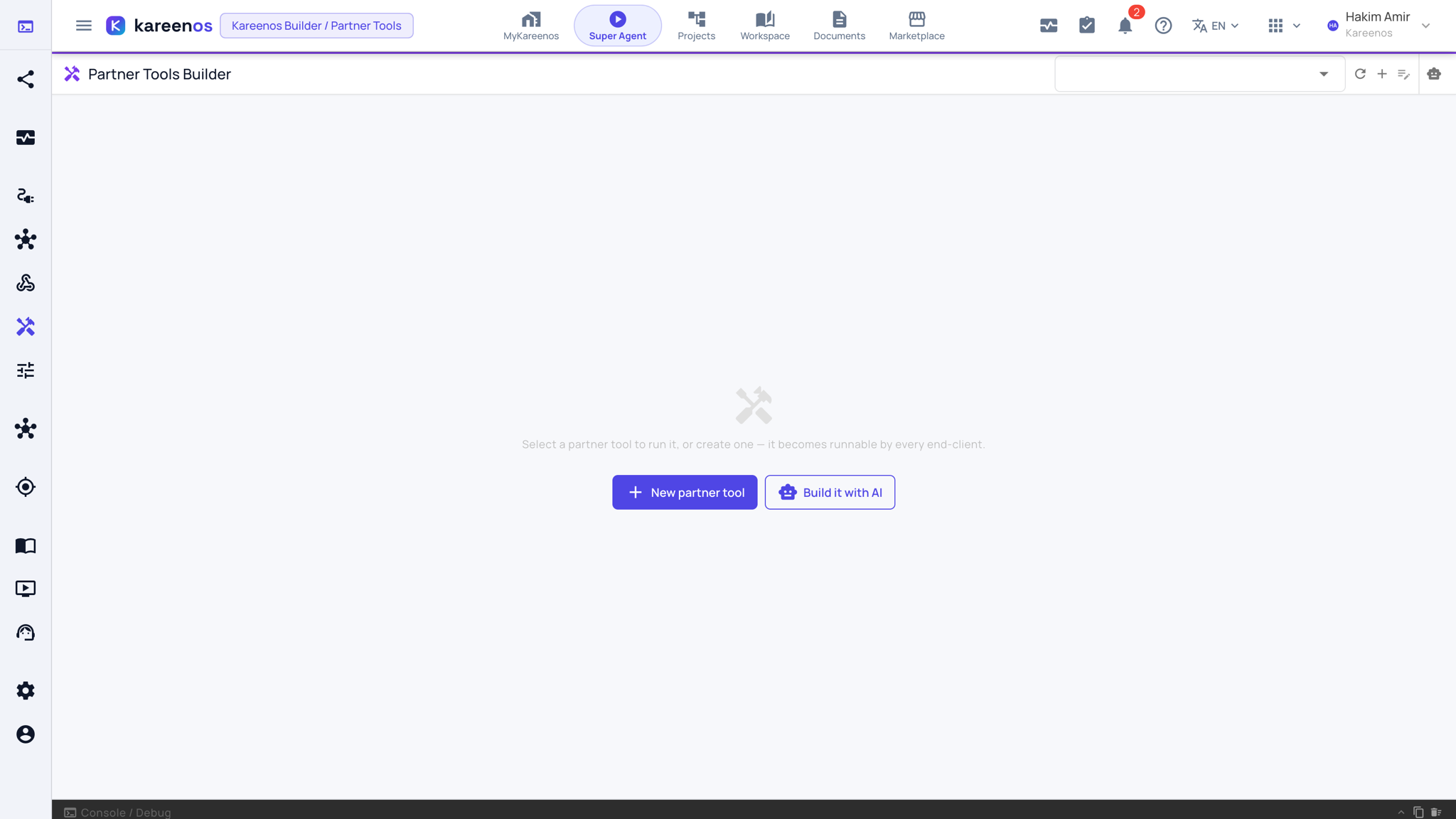
Press Open in Kareenos above, or open the left menu and choose Editors, Partner Tools. The page is a runner: pick a tool in the selector at the top right to run it, or create one with the buttons in the middle of the empty page. Building needs edit rights.
When to use it
Use this when Kareenos needs to do something in another system, not only read from it: raise an order, update a record, trigger a workflow you already run. It is the write-capable counterpart to a Data Adaptor, which only reads.
Step by step: building one
Open Partner Tools and press Build it with AI. Describe the integration to the Super Agent: the system, the operation, what goes in and what should come back. Or press New partner tool to author it by hand.
Review the tool's Details tab: its name, whether it reads or writes, who may call it, and whether it returns client-specific data. The Code & Schemas tab holds the field definitions and the Assignments tab the agents that may use it.
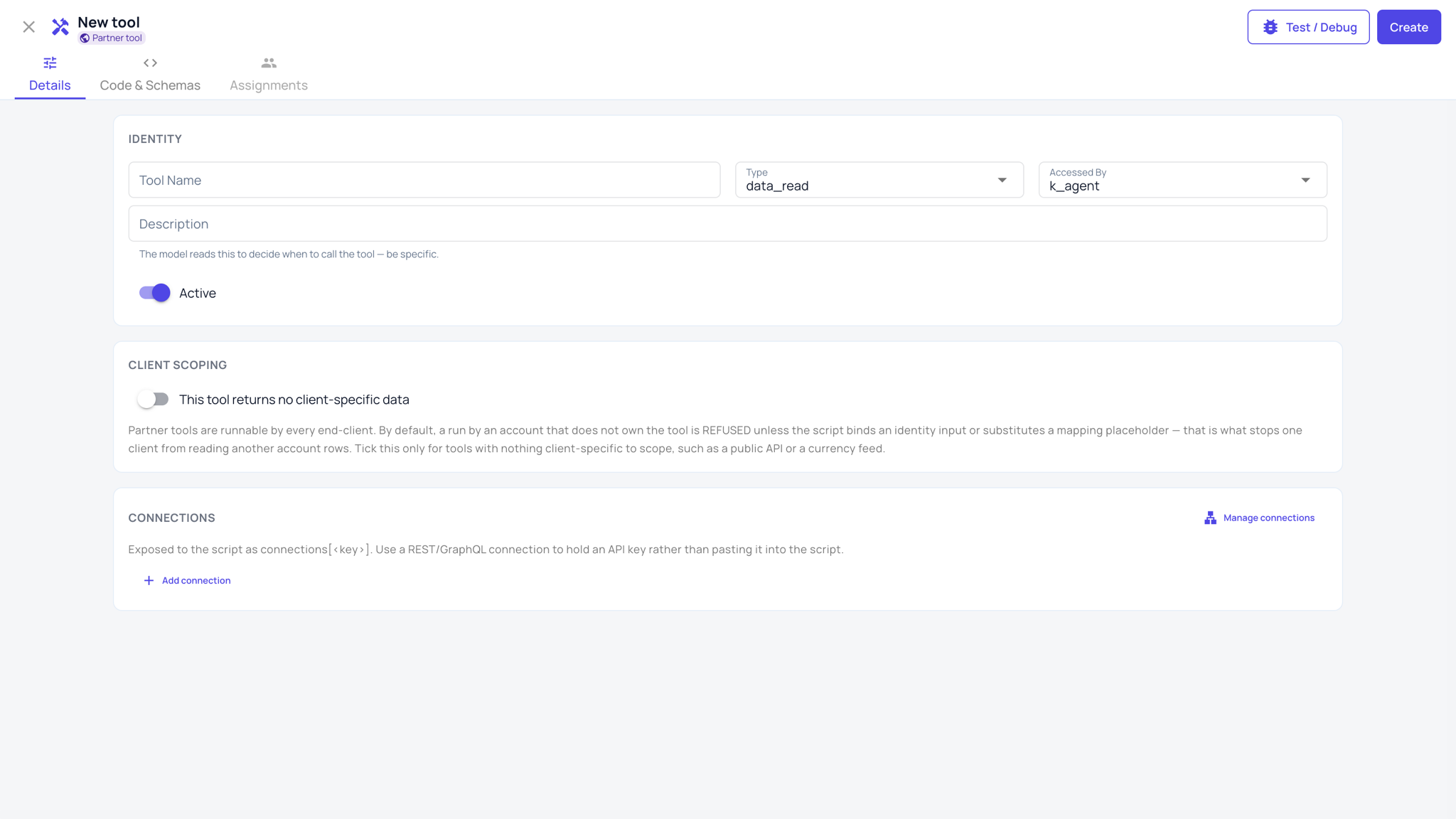
Keep credentials out of the tool. Press Add connection in the connections section so the tool reads an API key from a named connection instead.
Press Test / Debug, run it with sample input and read the result.
Press Create, then assign the finished tool to the K-Agents that should have it on the Assignments tab, and grant it to any Job that needs it.
Keep any per-project settings the tool reads under Settings, Agent Config, so they can be changed without touching the tool.
Who can see your tools
Tools you author are private to your account. Nobody else on the platform can read them, edit them or list them, and the tool body stays yours.
If the provider who supplies your Kareenos account publishes shared tools, you will see those listed as well and you can run them and assign them. You cannot read or change them, and they are marked so you know which is which.
Important
Never put a password or key inside a tool. Keep credentials in a connection or in Settings, Agent Config, so rotating one is a single change rather than an edit to every tool that uses it.
Common mistakes
- Building one tool that does five unrelated things, which makes it hard for an agent to choose correctly.
- Granting a write tool to an agent that only ever needed to read.
- Testing only the success case and never the one where the other system is down.