Kareenos: the engine for agentic business applications

An engine that sees, knows where, and speaks every channel.

Vision, GPS, voice, messaging, your database, any API: every signal becomes a typed event. AI agents reason, code jobs execute, and the results land where work happens: tasks, messages, your employees' assistant app, and the systems you already run. And your clients build all of it themselves, in plain language.

Not a chatbot.Not a copilot.Not another workflow builder.A fully autonomous agentic engine.

  • Built by your clients
  • Event-driven
  • Multi-tenant
  • On-premises

For software companies, agencies & platforms

You have clients. Give every one of them an operations engine, under your brand.

One engine runs all your clients, each fully isolated. Build a capability once. Every client gets it. Fix it once. Every client inherits the fix. And your clients extend it themselves, in plain language, without a ticket to you. Onboard the next client by configuring, not rebuilding.

  • One engine, all your clients, each in their own isolated space
  • Author once, deploy to everyone. Updates and fixes included
  • Your clients build their own agents: no ticket, no sprint, no roadmap
  • Your brand, your infrastructure, your customer relationship
  • Docker images, live in 30 minutes
  • Built by your clients
  • Event-driven
  • Multi-tenant
  • On-premises

What runs under your brand

Agents and their teams. One loop. Operations that never sleep.

This is what your clients get: agents that assist, track, and support their teams, with tasks, calls, messages, and follow-ups handled end to end. Every employee gets an assistant app. Every system stays connected. Nothing waits, nothing slips, and nobody chases.

Not a chatbot.Not a copilot.Not another workflow builder.An agentic engine that runs operations.

  • Built by your clients
  • Event-driven
  • Multi-tenant
  • On-premises
Kareenos Platform
Event Bus typed events
AI Agent
Code Job
Live Sheet
Vision
Tasks
GPS
Messages
Voice
Assistant App
Messaging
Third-party APIs
agents & jobs at the core · senses & outcomes in orbit · one bus

How it runs

From signal to done.
Without a human dispatcher.

Step 01

Teams connect.

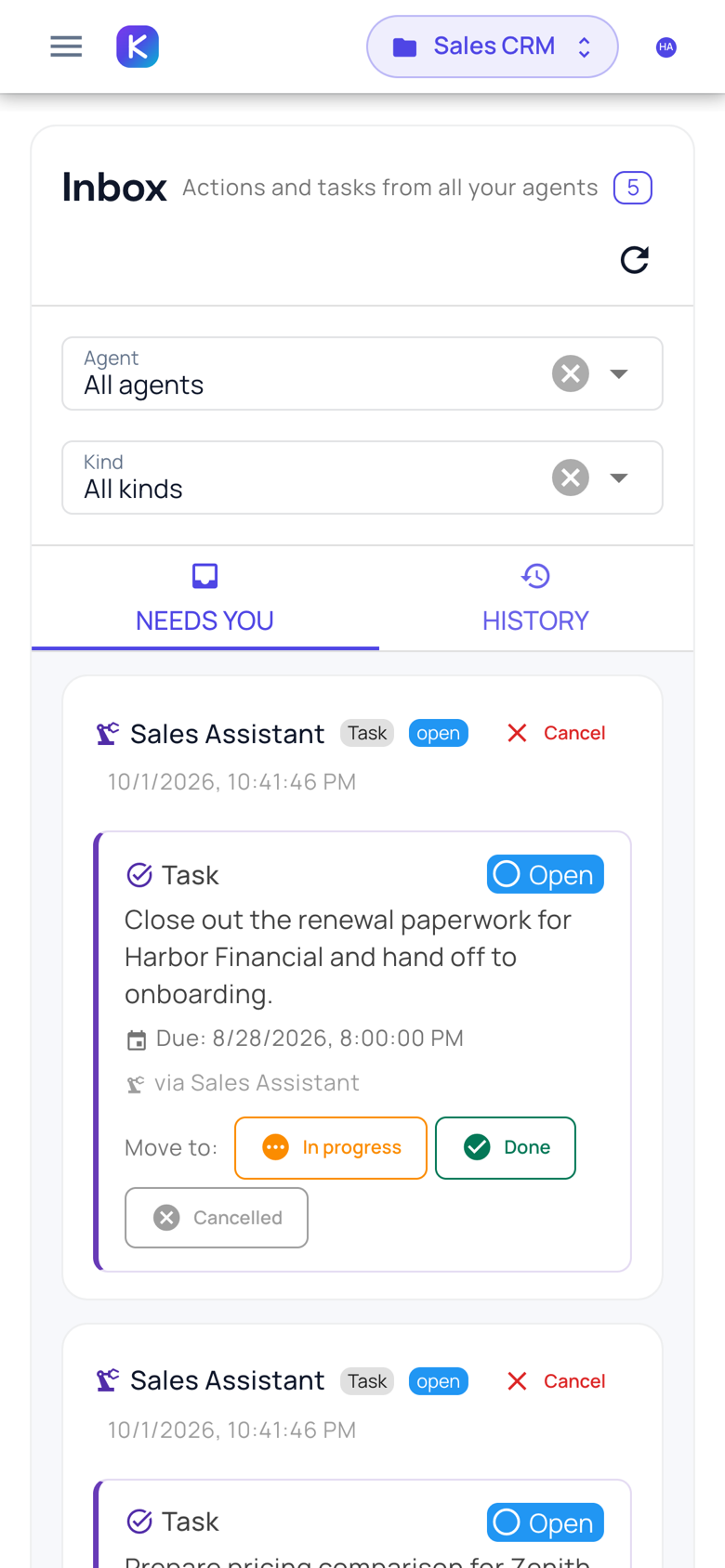
Every employee gets the assistant app: your brand, on their phone and in their browser. Tasks, messages, actions, approvals: one inbox where work actually arrives.

Step 02

Agents run the loop.

They assign tasks, track progress, chase what's late, and escalate what matters. Around the clock, across every client.

Step 03

Agents reach the systems.

Your platform, their databases, any API or MCP server. Read and write. The engine works with the data operations already live in.

Step 04

Agents work every channel.

Email, WhatsApp, Telegram, SMS, and live phone calls, inbound and outbound. One agent, every place people already talk.

YourBrand · operations loop
01Appteams · one inbox
02Agentsassign · track · chase
03SystemsAPI · MCP · DB
04Channelsemail · chat · phone
Event Bus typed events
app ↔ agents ↔ systems ↔ channels · one bus

Where Kareenos is different

Automation tools move data. Kareenos moves teams.

A shift gets dropped. An agent finds cover before the supervisor wakes up. An order stalls. An agent chases the supplier and updates the customer. An invoice goes unpaid. An agent calls. People do the work; agents make sure nothing waits, nothing slips, and nobody chases.

  • Tasks and actions assigned to the right person, tracked to done
  • Agents follow up on people, not just records, by message or by phone
  • Escalations reach a human the moment judgment is needed
  • The whole loop is observable: every task, call, and decision on the record
Shift Coverage Agent online · acting
0:10“Can’t make my 6 a.m. shift, sorry…”
Got it, Sara, feel better. I’m contacting 3 qualified caregivers near the client now.
Shift covered · Maria T. confirmed · 5:52 a.m.
Order Chase Agent4:12 p.m.

Order stalled at the supplier. Chased on WhatsApp, customer updated with the new ETA.

on track · customer notified
Invoice Agentday 14

Invoice two weeks overdue. Reminders sent, now on a live call with the customer.

on the phone · live

The assistant app

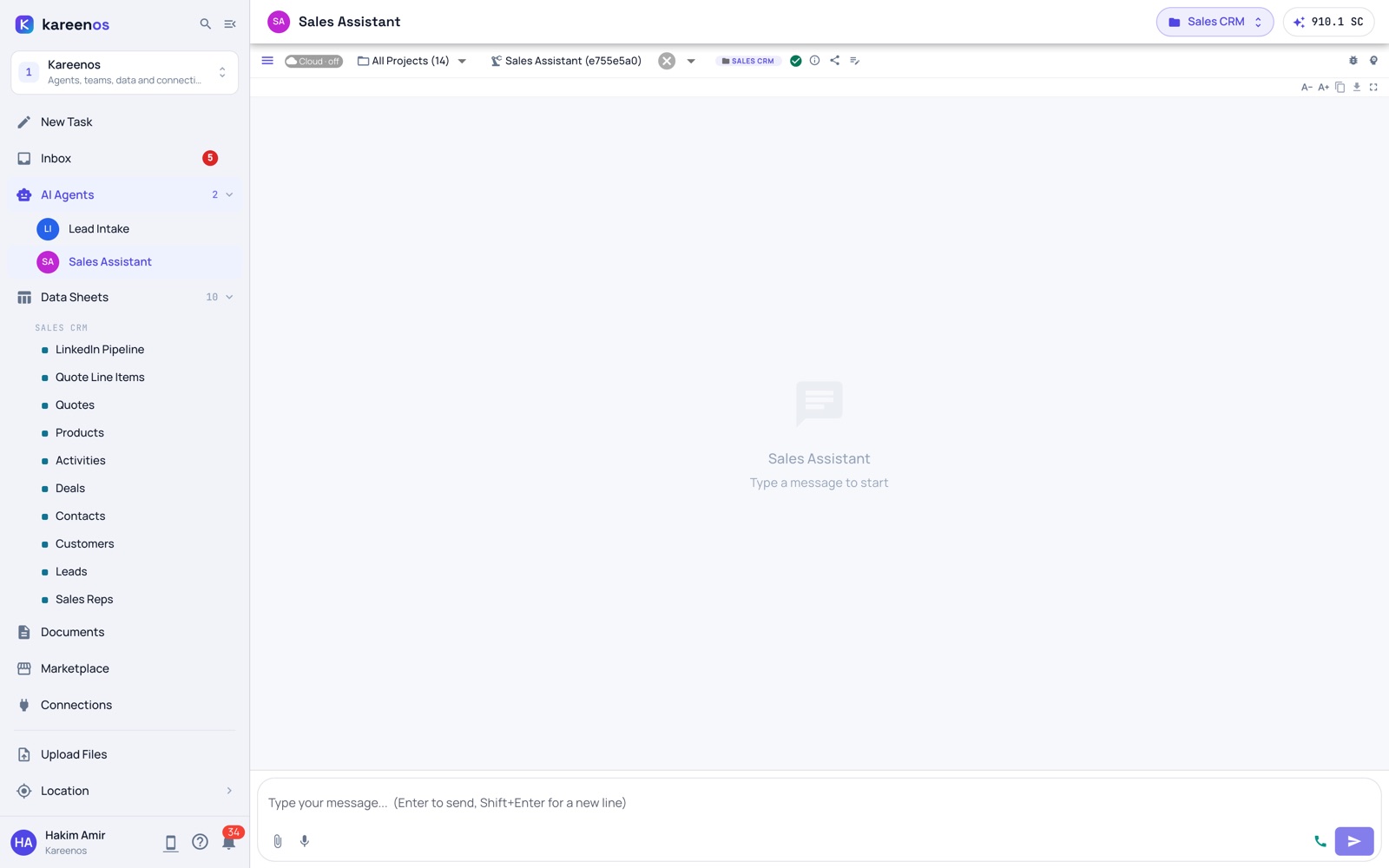
Every employee gets an assistant. Under your brand, on their phone.

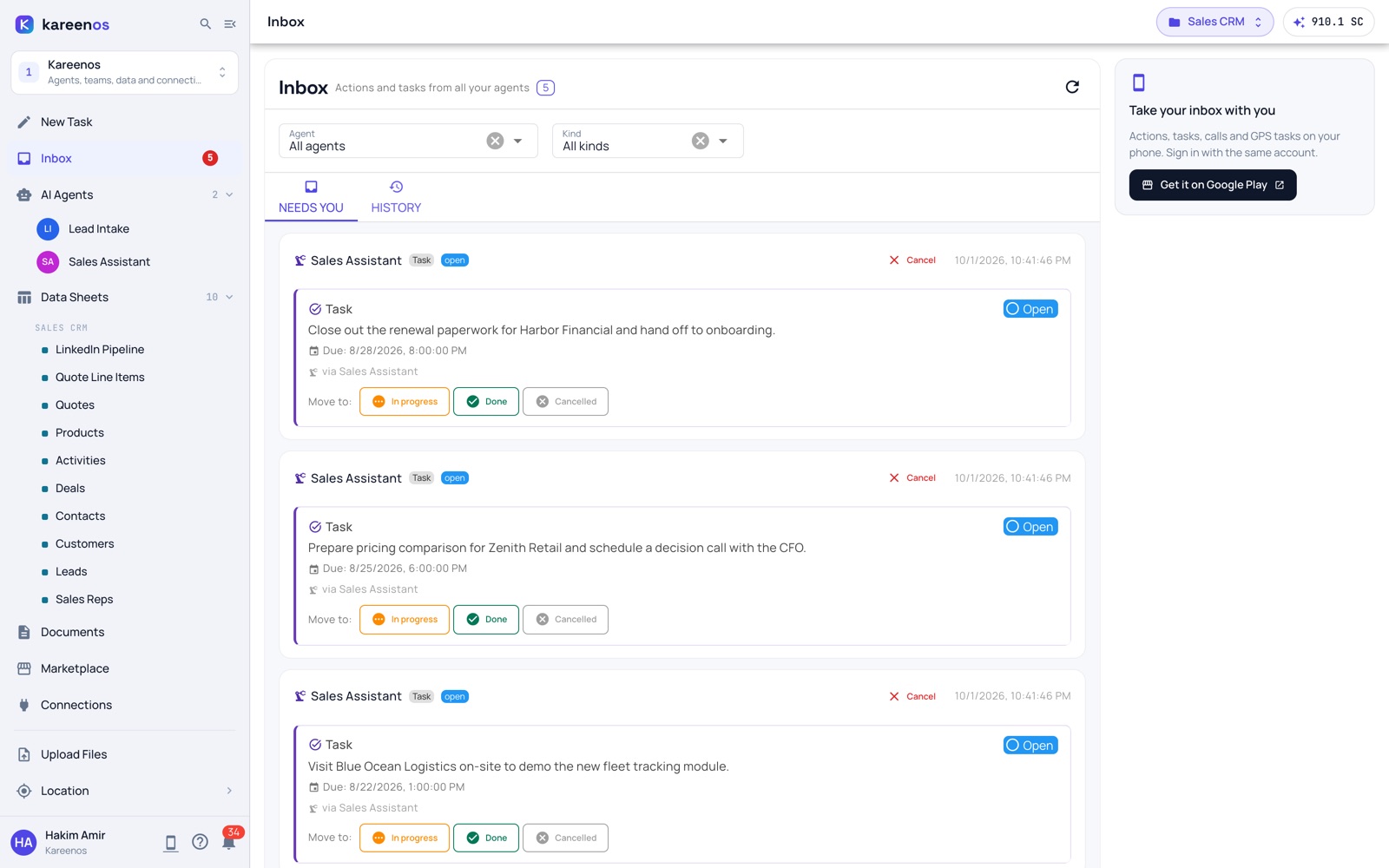
Tasks with proof attached: photos, scans, signatures when the job needs them. Voice notes agents understand. Live location when the work calls for it. Messages, actions, and approvals in one place, on web and mobile.

  • One inbox for everything agents send: tasks, alerts, requests, reports
  • Two-way: employees reply, attach, approve, or push back, and agents adapt
  • Works for a warehouse, a care team, a support desk, or a fleet. Same app
  • White-labeled: your logo, your colors, your domain
YourBrand Assistant online
New task · Visit #4187due 2 pm

Confirm the install and attach a photo when done.

photo proof required
Approval requested

Reorder 40 units for site B?

Approve Push back
You · reply0:12

“On it, photo coming right after the install.”

Ops Agentnow

Thanks, photo received. Tomorrow's route is on your board.

Live location · Visit #4187on route
your brand · in every employee's pocket

The part nobody else ships

Your clients build it. Not your engineers.

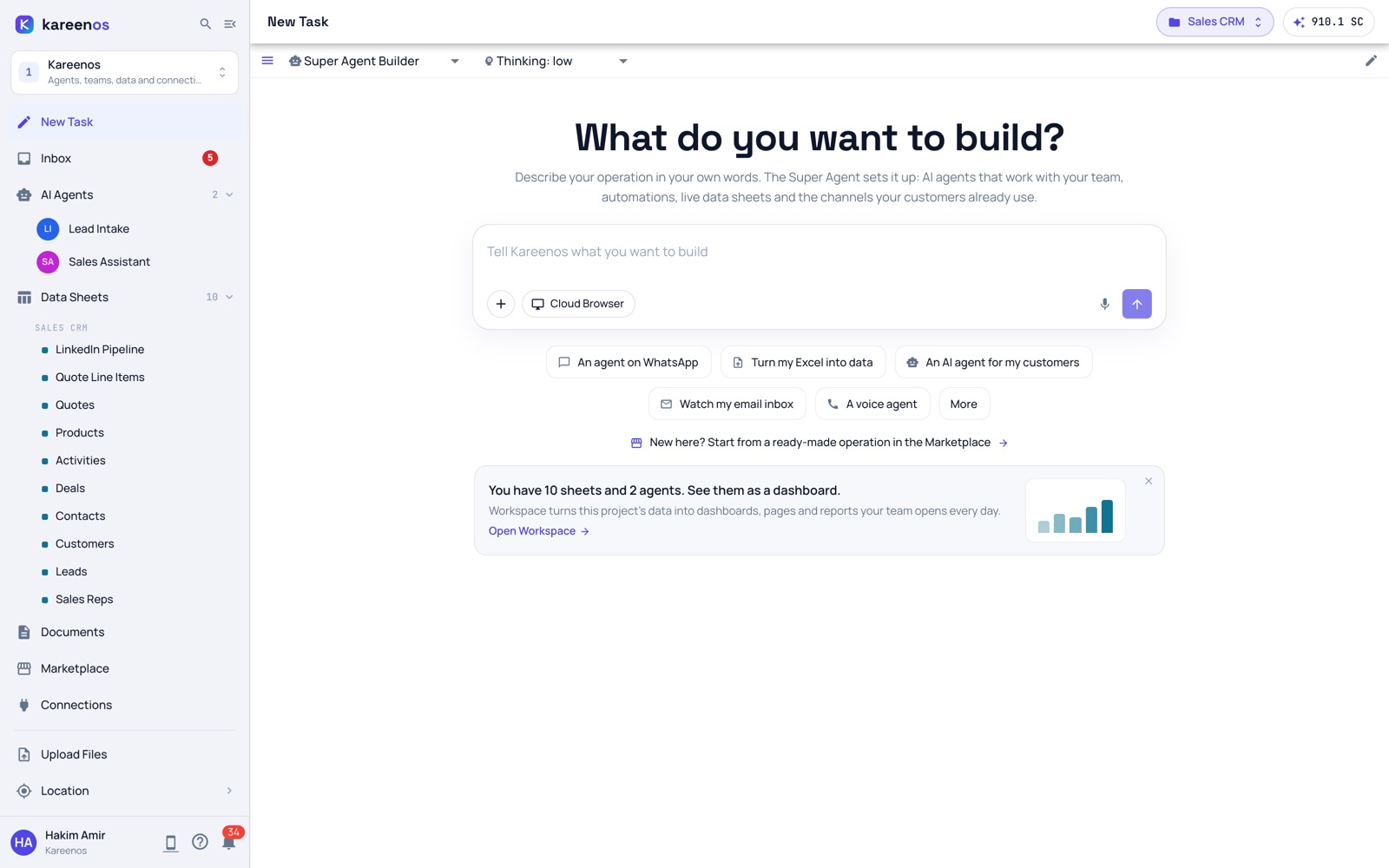
The builder agent interviews the client, plans, and assembles agents, code jobs, live sheets, and screens, so your clients add capabilities to your platform without a ticket, a sprint, or a limit. Your roadmap stops being the bottleneck.

  • Plain language in, running system out
  • Interview → plan → assemble, with approval gates
  • Every client builds inside their own isolated space
  • What they build runs on all the machinery below
The builder in depth
Builder Agent online · acting
I need to chase unpaid invoices and call the ones who don't reply.
I'll assemble that: an agent watching your invoices sheet, a nightly job that flags overdue ones, and live calling for non-responders.
Live · agent + job + sheet · built in minutes

One request, end to end

From a client's sentence
to a running system.

A client asks in plain language. The builder assembles the pieces. Signals flow in, the engine reasons and executes, and the results land where work happens.

IQ.YourBrand.com
your client · plain language

“Chase unpaid invoices, and call the customers who don’t reply.”

builder agent · assembling AI agent code job live sheet live
Visionphotos & video in · detects, reads, verifies
GPS Locationlive position · zones · movement
Voicecalls & voice notes · understands speech
MessagingWhatsApp, SMS, email
Databasereads & writes your existing tables
APIsany system with an endpoint
Event Bustyped events · isolated per client
AI Agentreasons → decides, replies, escalates
Code Jobruns deterministic code · no model
Live Sheetholds the data · viewers update live
Tasks & Actionsassigned to the right person, tracked to done
Messages & Emailreplies, alerts, reports on every channel
Assistant Appyour employees’ inbox · web & mobile
Third-party Systemswrites back through any API
one request → a running system · authored by your client, not your engineers

Connected on day one

  • Anthropic
  • OpenAI
  • Gemini
  • DeepSeek
  • WhatsApp
  • Telegram
  • Twilio Voice
  • Deepgram
  • ElevenLabs
  • Google Maps
  • Gmail / Outlook
  • PostgreSQL
  • Cassandra
  • Docker

What the engine perceives

Operations happen in photos, places,
and conversations. The engine reads all three.

Vision

Photo sessions become detections agents judge.

A capture session uploads photos plus an optional voice note into a named camera channel. The note is auto-transcribed, the session fires its event, and every subscriber wakes: code jobs run detection models over the photos, AI agents judge the detections together with the transcript.

  • Capture from mobile or web into named camera channels
  • YOLO26 object detection and InsightFace embeddings in the Python tier
  • Voice notes auto-transcribed and attached to the session
  • Multiple subscribers share one session record: detections, transcript, verdicts
Vision in depth
Dock Cameracapture session · 3 photos + voice notesession 4c1a

voice note → “third bay, check the damaged crate”

session ready → 2 subscribers woke · YOLO26 + judging agent

Location

Geofences, live tracking, and routes as events.

Any object can be tracked live: a user, a vehicle, a sheet row. Zones drawn as points, lines, or polygons fire edge-triggered check-in and check-out events with dwell logic, and durable geofence subscriptions wake the agents and jobs you bind to them.

  • Live map plus historical playback for every tracked object
  • Geocoding, reverse geocoding, and driving routes up to 23 waypoints
  • OR-Tools route optimization: about 1–2s for 30 stops
  • Geofence events wake agents and jobs the moment they happen
Location in depth
Fleet Watch Agentvan 14 · re-routed around delayETA 11:42
zone: site-b

zone entered → check-in task created · route re-optimized in 1.2s

Channels

One agent, every place people already talk.

The same agent answers a WhatsApp voice note, picks up a live phone call, speaks in the browser over WebRTC, drives an approved browser tab, and assigns tasks to a phone in the field. Transport is a channel; the agent is the brain.

  • WhatsApp, Telegram, SMS, and email: two-way, with media
  • Live phone calls: answer, initiate, barge-in, transfer to a human or another agent mid-call
  • In-app voice over WebRTC with a real-time transcript
  • Attended browser automation in the user’s own signed-in session, behind approval gates
Channels in depth
Support Agent online · acting
0:10“Where's my order? The crew's already on site…”
Order #2231 left the warehouse at 8:10. The driver is 20 minutes out. I'll message you the moment it arrives.
Answered on WhatsApp · #2231 · out for delivery

The agentic framework

One event bus. Seven building blocks.

This is how agentic business applications are assembled on Kareenos. Every block below links to its full spec and its Kareenos name on the platform page.

Event Busevery event, typed · isolated per client How it works

Two tiers of execution

Code when you want it. Agents when you don't.

Deterministic work runs as sandboxed JavaScript that reads sheets, fires events, and calls agents, with a Python tier for real compute: OR-Tools, numpy, pandas, scipy, networkx, torch. No model in the loop, so cost and latency stay predictable. The model is used only where judgment is needed.

  • Code jobs read and write sheets, fire events, and call agents
  • Python for compute: optimization, statistics, detection models
  • Explicit per-job grants: sheets, events, agents, location, camera
  • Budget caps per run: reasoning, compute, and vision all metered
Jobs in depth

event

payment_overdue

invoice 8841 · client B

AI Agent · reasons

tone: second reminder → schedule a call

Code Job · executes

deterministic · 84ms · plain code · no model

Agents reason. Jobs execute.

Flows people run on Kareenos

Trigger in. Reasoning and code. Result out.

Six real flows, exactly as they run. Each chip is a component from the framework above.

client · plain-language request

The builder agent interviews, plans, then assembles an agent, a code job, and a live sheet, wired and running.

A new capability ships on your platform without touching your roadmap.

  • Builder Agent
  • AI Agent
  • Code Job
  • Live Sheet

whatsapp · message in

The support agent looks the order up in a live sheet and replies with delivery status. Voice note in, text out.

Customer answered in seconds; the full contact history stays queryable.

  • AI Agent
  • Live Sheet
  • Messaging

gps · location update

A detector agent checks the trip against approved zones and publishes an unauthorized-stop event; an alerter notifies the supervisor and messages the driver.

The driver’s reply is classified and a third agent closes the incident row.

  • AI Agents ×4
  • Event Bus
  • GIS

sheet · row added

A code job reads the new delivery row and runs the OR-Tools solver in Python: 30 stops in about a second.

The route sheet updates live and the driver gets the new stop order.

  • Code Job
  • Python
  • Live Sheet

geofence · vehicle arrives

A geofence subscription wakes a code job that creates a check-in task: photo, QR scan, signature, straight to the driver’s phone.

The supervisor’s dashboard reflects the delivery the moment it’s confirmed.

  • Code Job
  • GIS
  • Mobile

camera · session ready

A code job runs YOLO26 over the photo batch; a judging agent reads the detections plus the transcribed voice note and classifies severity.

Incident logged automatically, with evidence, detections, and a severity call.

  • Code Job
  • AI Agent
  • Vision

Yours to run

Docker images to running agents
in 30 minutes.

Step 01

Min 0–10

Pull the images

Docker images pulled into your VPC, on-prem cluster, or cloud account.

Step 02

Min 10–20

Connect your database

Read access to your database. The builder agent maps your schema and generates connectors.

Step 03

Min 20–25

Brand it

Logo, colors, domain. Your customers see your name, not ours.

Step 04

Min 25–30

Agents go live

First agents running. Mobile app live. WhatsApp connected.

isolation

Isolation by construction

Nested tenancy with a hard runtime boundary. Events reach only the client they belong to, never a neighbor.

permissions

Grants and approval gates

Zero tool assignments means zero tools. Jobs need explicit grants per sheet, event, and agent; sensitive work waits for human approval.

observability

Audit by event

Every tool call, job run, and row change fires an event. The platform's own activity is observable and reactable.

Your infrastructure, your brand, your customer relationship. The engine is ours to maintain, yours to run.

30 minutes to deploy · one engine per partner · every client isolated

Who builds on Kareenos

Two kinds of builders run this engine.

For software companies

You build vertical software.

Ship the complete agentic layer under your brand, beside the product you already have, on the infrastructure you already run.

  • The full engine next to your existing product
  • Your clients build their own agents, so features ship without your roadmap
  • Your infrastructure, your data, your customer relationship
  • Docker images, live in 30 minutes
How the partnership works

For agencies & builders

You build automations for clients.

Run one engine for all your clients. Author once. Every client gets it. Fix once. Everyone inherits the fix.

  • One engine, all your clients, each fully isolated
  • Onboard the next client by configuring, not rebuilding
  • Your brand in front. Your clients never see us
See how builders use it

A small ask

Thirty minutes.
One demo. No deck.

We'll show you Kareenos running against a sample of your real data, in a sandbox we spin up before the call. Your market, your schema, your use case.

What you get: a working Kareenos sandbox configured for your platform, plus the technical deployment spec.