Super Agent
The AI builder. You describe what you need, it interviews you once, writes a plan and builds the whole solution.
On this page
The Super Agent is the one agent that builds everything else. You describe a business need in ordinary language and it produces the working solution.
Where to find it
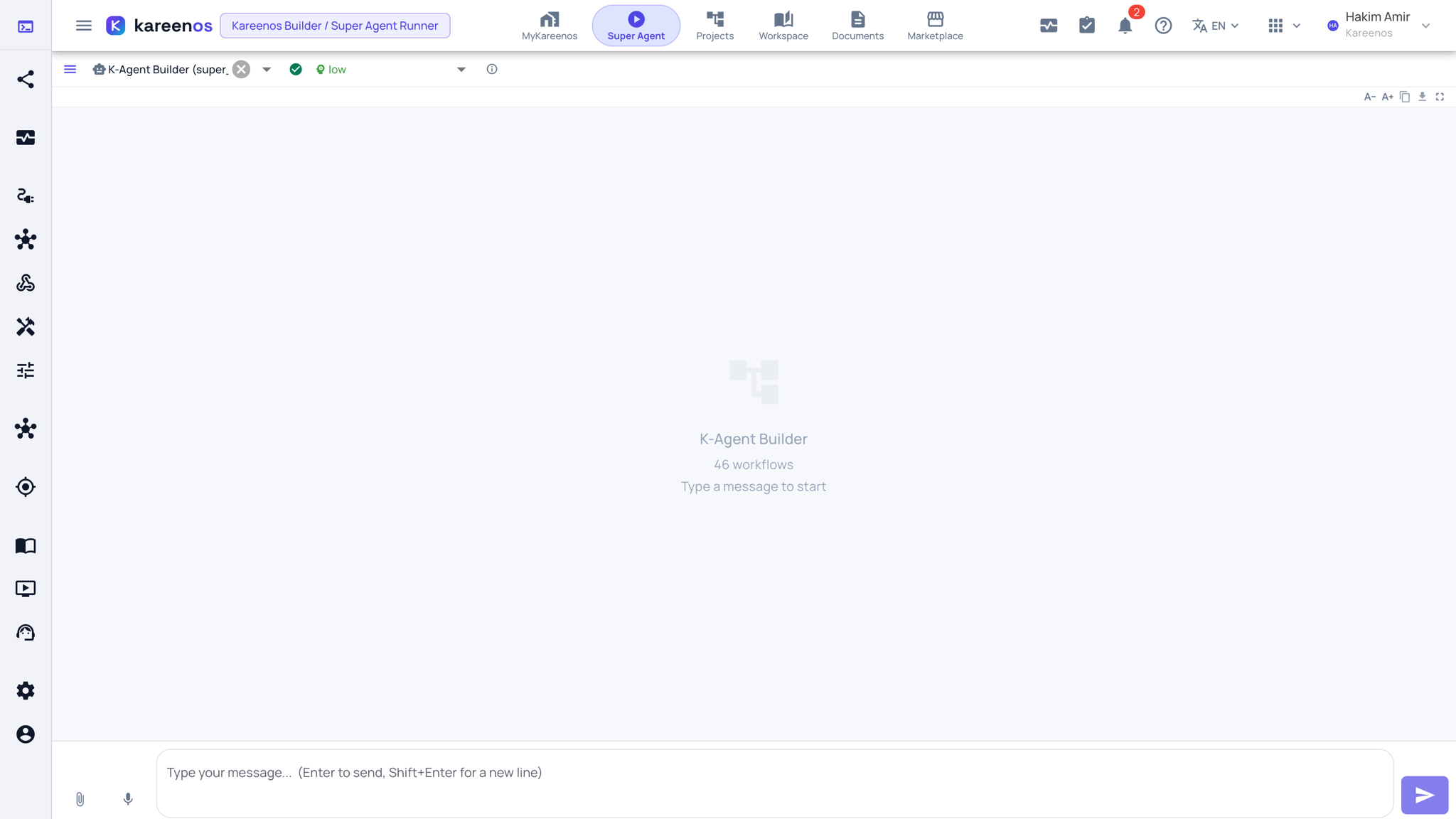
Press Open in Kareenos above, or choose Super Agent in the top bar. It is a builder page. The same builder also appears docked beside Projects, the Workspace and the Advanced Editors, opened with the robot button on each of those pages.
How a build goes
You write a paragraph about what you need. The Super Agent asks you back with one short multiple-choice form, so you are picking options rather than writing a specification. It then writes a plan and waits for you to approve it once. After that it builds the whole solution and wires the parts together: the agents, the workbooks, the pages, the jobs and the reports.
The full walkthrough lives in Quick start, so it is not repeated here.
Where you find it
The Super Agent appears in two places:
- Its own page, for open-ended work and larger builds.
- A docked drawer beside whatever you happen to be looking at, whether that is a project, a page or an editor. Because it is opened from that thing, it already has it in front of it, so you can say "add a column for the driver" without explaining which screen you mean.
Step by step: asking for a build
- Open the Super Agent. Press New Chat in the history panel on the left if you want a clean start; the arrow at the top of that panel hides it.
- Type the description of the operation in the message box. Attach a file with the paper-clip if you are starting from a spreadsheet, or use the microphone to dictate.
- Answer the multiple-choice form it sends back. "Go with your recommendations" is a valid answer.
- Read the plan and approve it once.
- Follow the build in the Plan and Todo tabs. When it finishes, open Projects and review the Components tab.
- Use the docked drawer on the project for follow-up tweaks in context.
What it is not
It is a builder you talk to, not something that reacts to events. It never wakes up on its own in the background. Work that has to happen automatically when a message arrives or a schedule fires belongs to a K-Agent or a Job, which is exactly what the Super Agent will build for you.
Important
Super Agent runs spend Super Agent credits. Long exploratory conversations cost more than one clear, complete description.
Common mistakes
- Approving a plan without reading it, then rebuilding later.
- Expecting it to run overnight on its own.
- Asking for one part at a time when a single description would have wired the whole thing together.