Documents
Where agents write things people read later: policies, runbooks, summaries and written reports.
On this page
Documents are where your agents write things a person will read later: policies, runbooks, summaries and written reports.
Where to find it
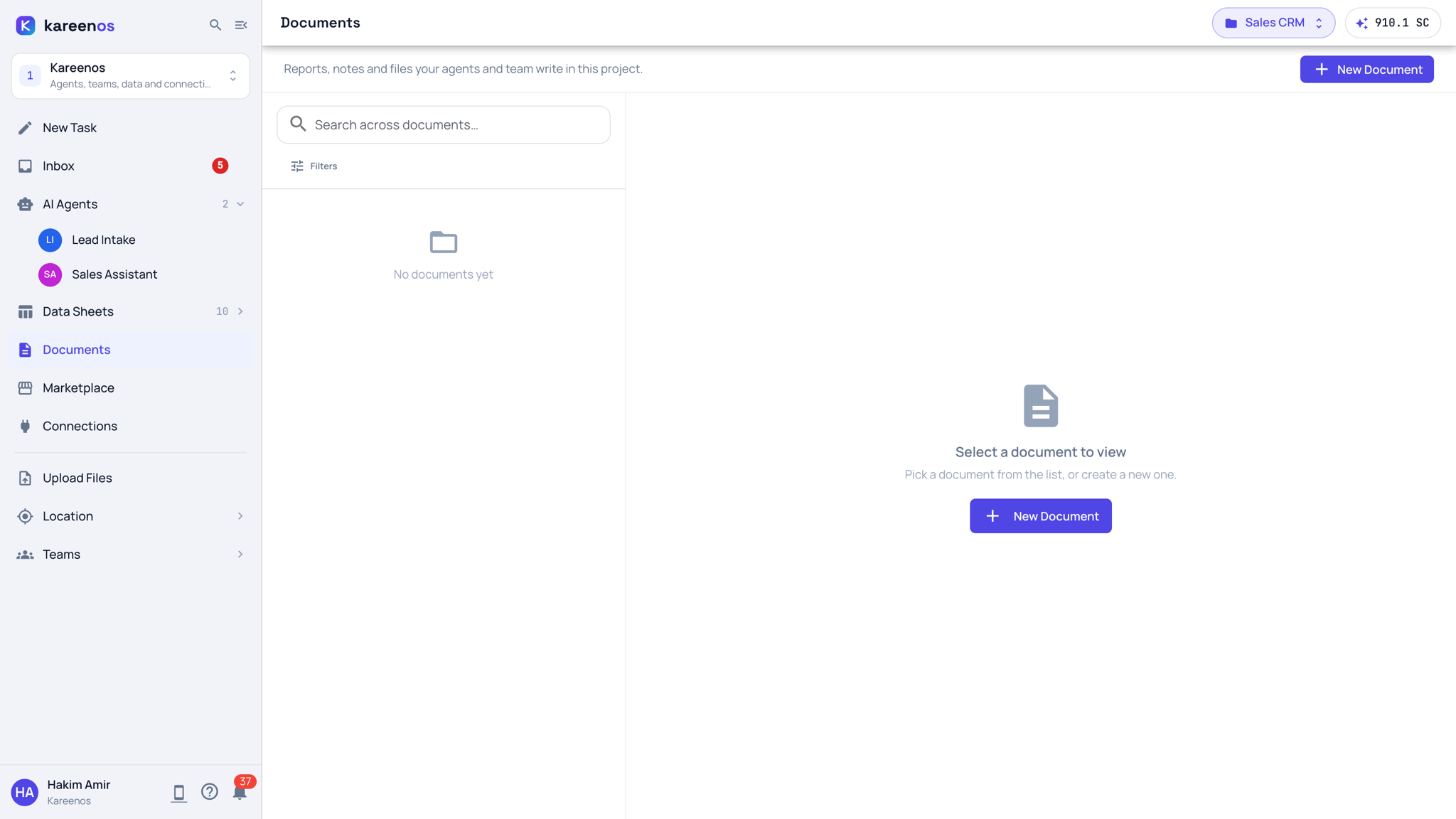
Documents is a row of level 1. Press Open in Kareenos above. Every member can open it. The page shows the documents of the project in the top bar; choose All projects in the project selector to see every project's documents in one list.
What a Document holds
A Document is text. It can be written as markdown, as rich text, or as plain text, and it can include live maps and images inside the body. Agents create them as part of their work, and people read, correct and publish them.
What you can do with one
- Read and search: search runs across every document you have access to, not one at a time.
- Edit: correct or extend anything an agent wrote.
- Export to PDF: for sending, printing or filing.
- Share: publish any document as a public view-only link for someone outside your account.
Step by step: finding, editing and sharing a document
- Open Documents. Use the search box for a subject, or Filters to narrow the list.
- Click a document in the list. It opens in the reader on the right; edit anything that is out of date there.
- Use the reader's buttons to export to PDF or to create a public link if it needs to go outside your account.
- Press New Document to start one yourself, for example a policy you want agents to follow.
- Ask an agent, in its chat, to keep a given document updated as things change.
Tip
A public link is view-only, but it is public. Anyone holding the link can open it, so use it for material you are happy to publish.
What Documents are not
They are deliberately not a file store. Uploads and binaries (photos, videos, scanned PDFs, spreadsheets) live elsewhere in the platform, attached where they belong, and administrators can browse them under Files in Advanced.
They are also not a place for structured rows. If the thing you want has columns, repeats, and gets filtered or counted, it belongs in a Data Sheet instead.
Common mistakes
- Pasting a table of records into a document rather than creating a sheet for it.
- Treating a document as an archive for attachments.
- Editing a document an agent regenerates on a schedule, then losing the edit on the next run.