Agent Config and system pages
Where your own keys and settings live so they can be rotated without a rebuild, and the other system pages: CLI Clients, K-Desktop Hosts, Files, Advanced Settings.
On this page
The System rows of Advanced hold the account-level pages builders and administrators need now and then: Agent Config, CLI Clients, K-Desktop Hosts, Files and Advanced Settings.
Where to find it
Open the level menu at the top of the sidebar, choose Advanced, and look under System: Projects, CLI Clients, Agent Config, K-Desktop Hosts, Files and Advanced Settings. Press Open in Kareenos above for Agent Config. Apart from Projects they are for administrators, and they are also tabs of Settings in the account menu.
Agent Config
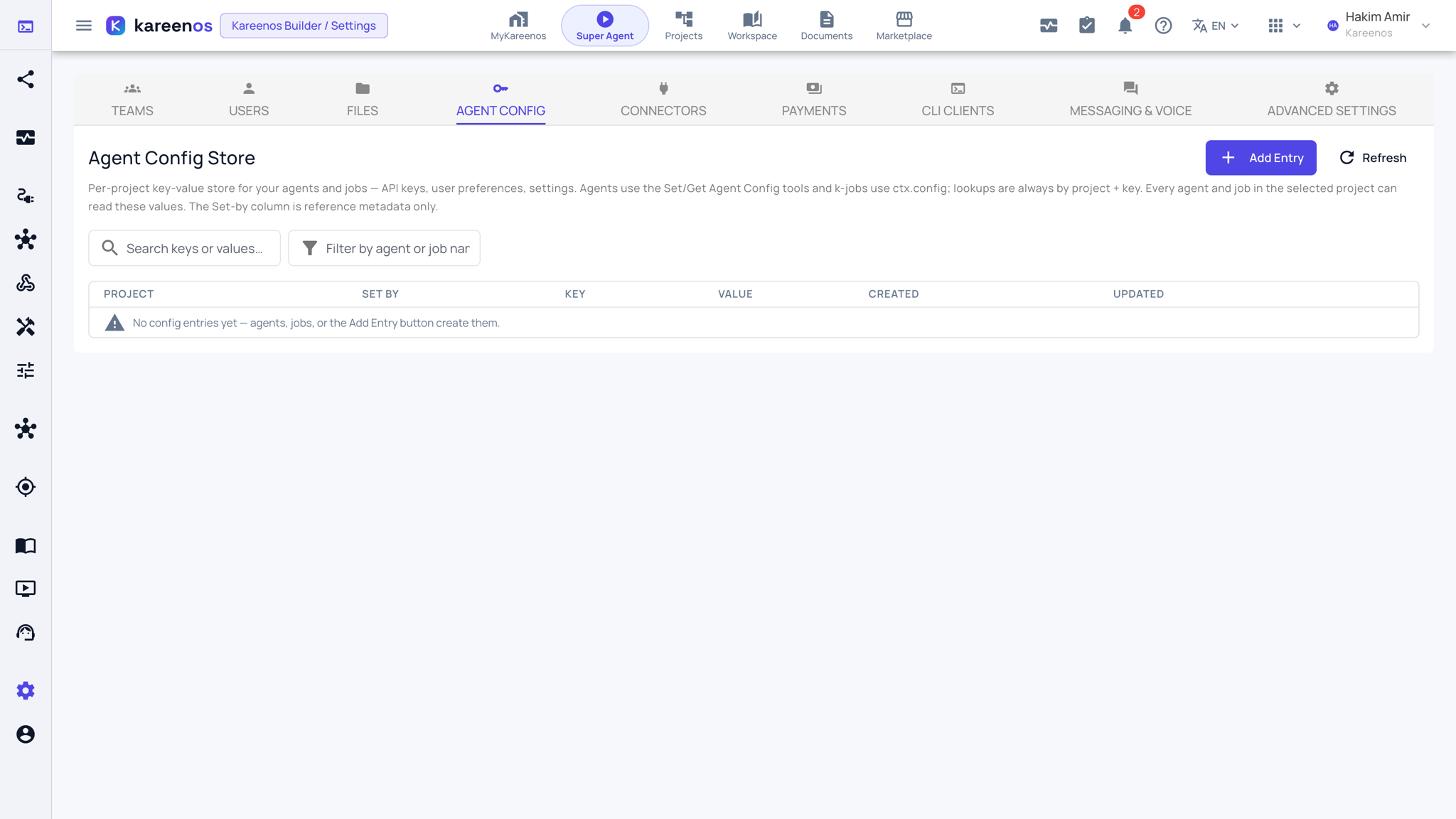
Agent Config is where your own credentials and settings live. It is a per-project list of named values (an API key for a courier service, a default warehouse code, a threshold your business changes twice a year) that your agents and automations read at the moment they run.
The point is separation. Nothing that was built for you contains the key itself, only the name of the entry to look up. When a supplier reissues a key, you change one field here and every agent and automation that uses it picks up the new value on its next run.
Values are hidden in the list and revealed one at a time. Each row records which project it belongs to, who set it (a person, an agent or an automation) and when.
Step by step: adding an entry
Open Agent Config and press Add Entry.
Choose the Project the value belongs to.
Type the Key (the name agents and automations will look up) and the Value, then press Save.
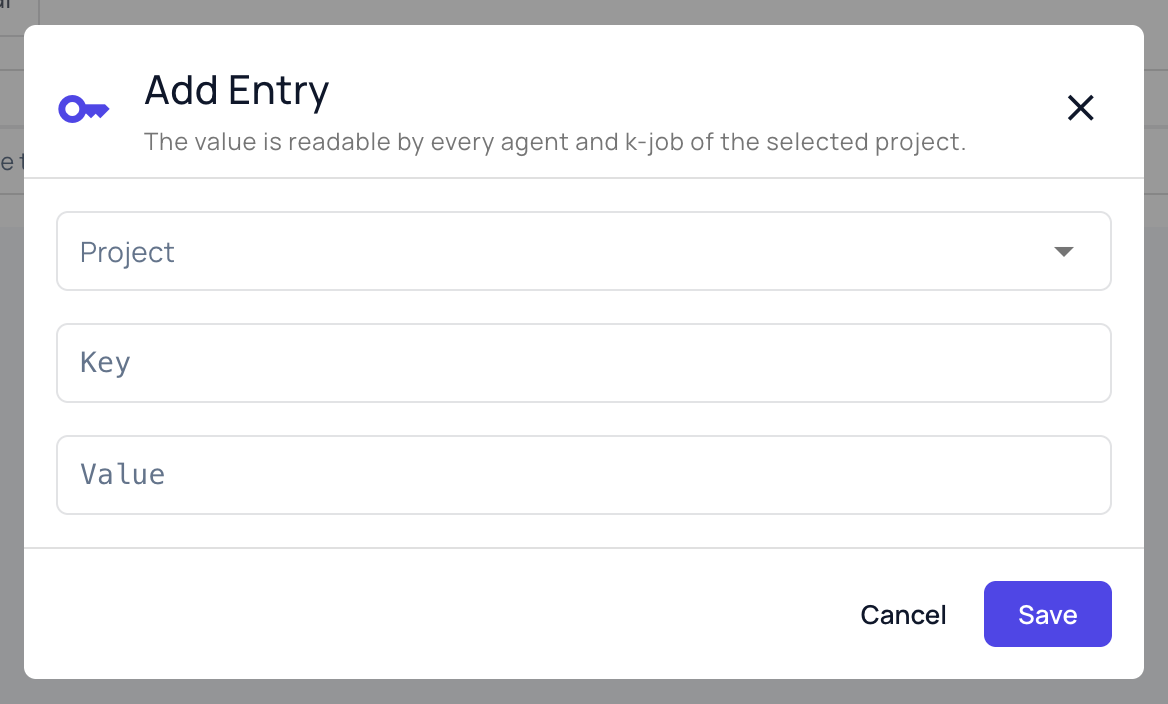
Tell the agent or automation the key name, not the value. When the value changes later, edit it here once.
Tip
Put a credential in Agent Config rather than inside a tool or an automation. Rotating it later becomes a one-field edit instead of a rebuild.
CLI Clients
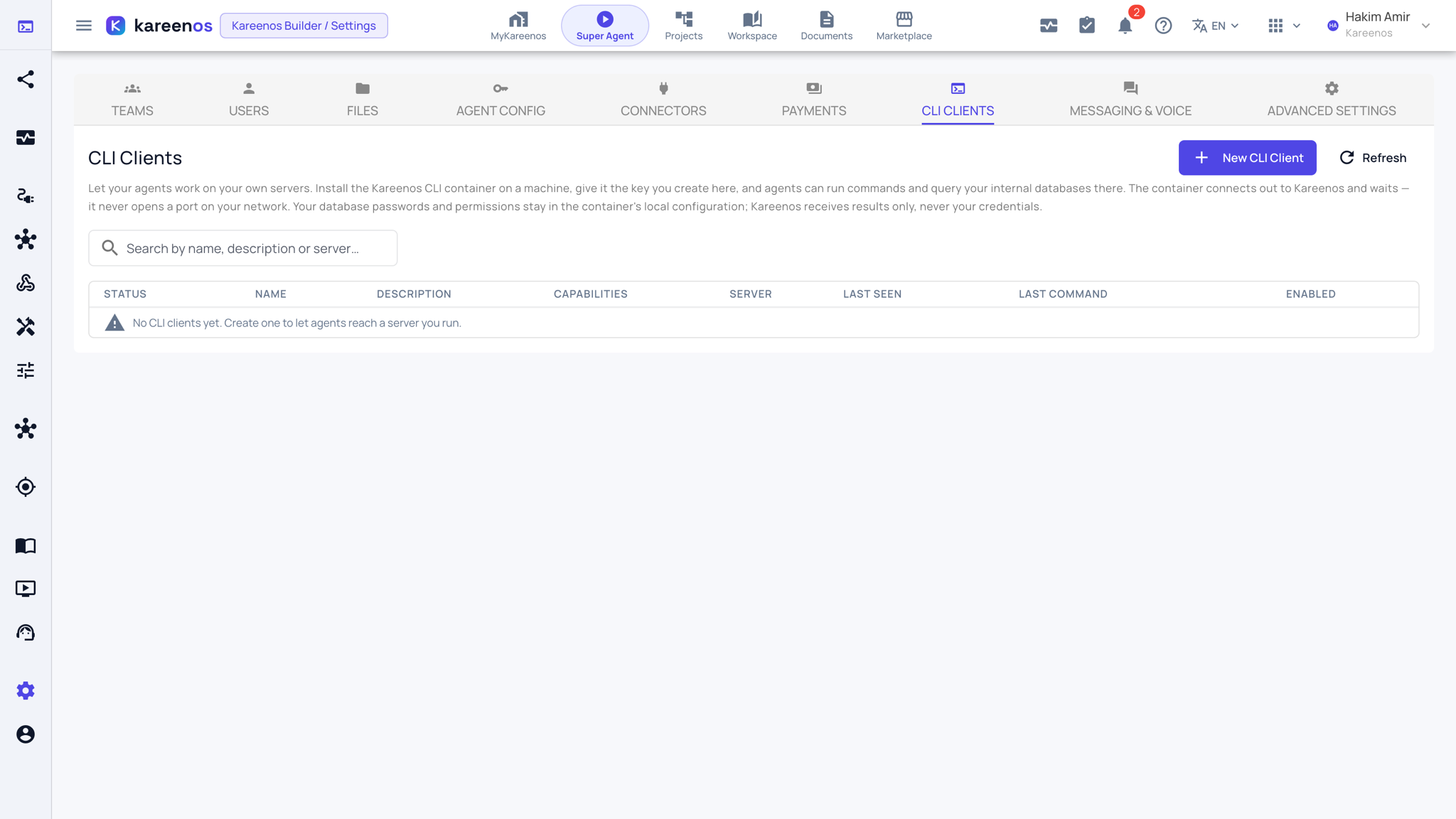
Registers agents running on your own servers, for work that has to happen inside your network. Press New CLI Client to create the key the installed container will use.
K-Desktop Hosts
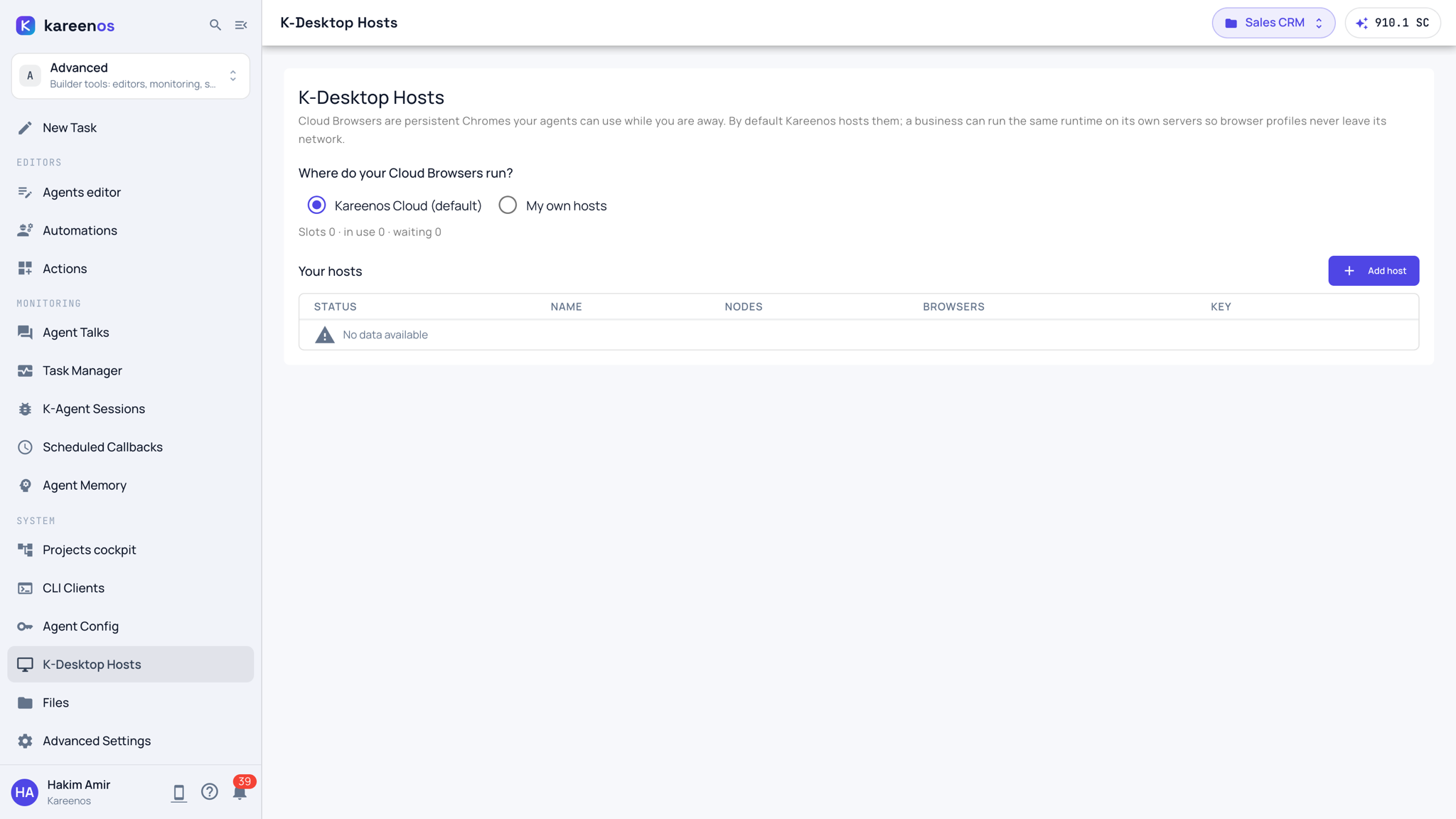
Chooses where your Cloud Browsers run: on Kareenos Cloud (the default) or on your own servers, so browser profiles never leave your network. Add host registers a server of yours. See Cloud Browser.
Files
Everything your people and your agents have uploaded or produced: documents, photos, exports, attachments. Search by name, narrow by project, type or time period, then view, download or delete.
Advanced Settings
Account-level operational settings that do not belong to any single project, kept apart so they are changed deliberately.