Tutorials and videos
The Kareenos library of video walkthroughs and use-case posts: find a post, watch it, like it and share it.
On this page
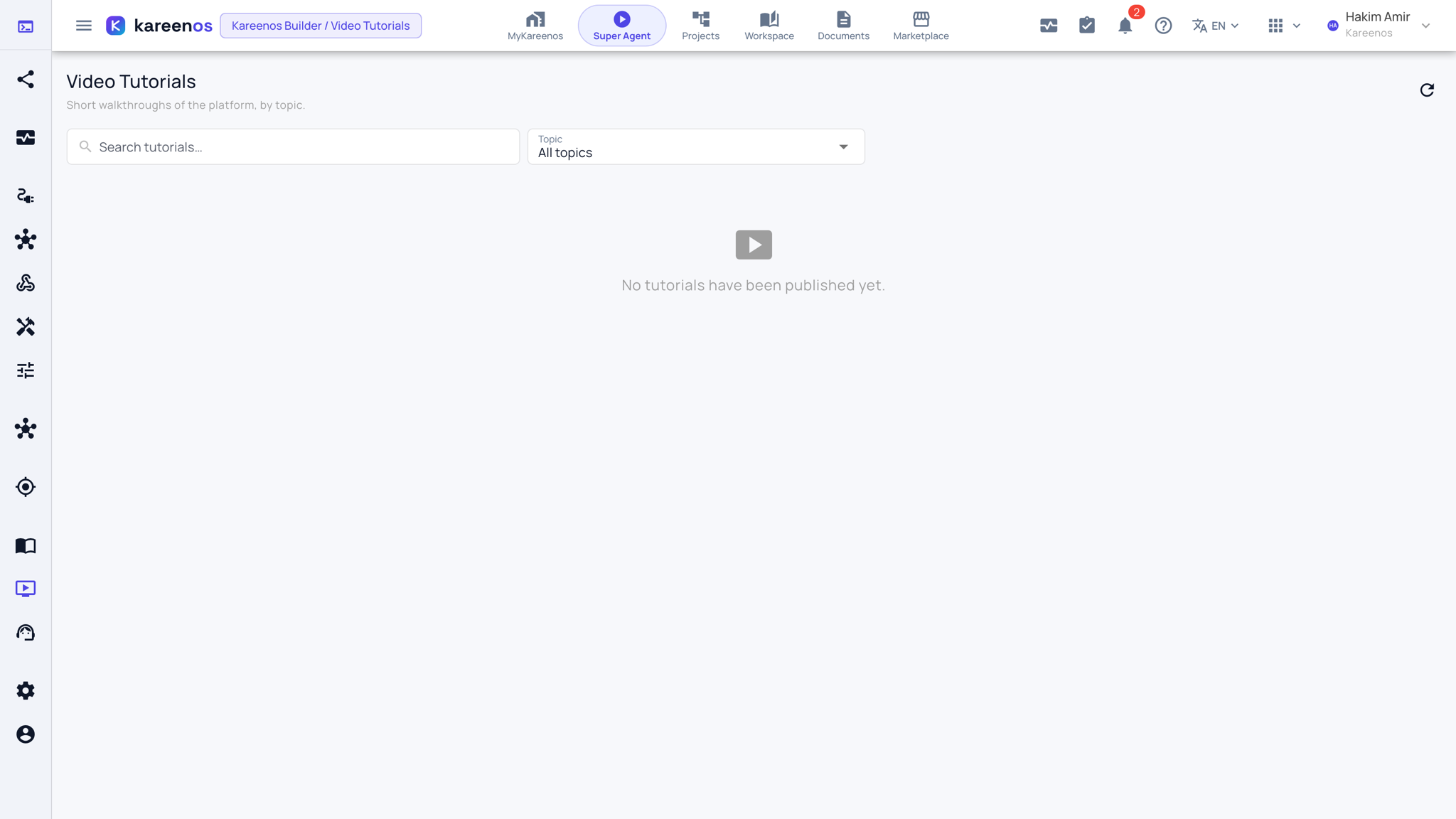
Kareenos Tutorials & Videos is the Kareenos team's library of short video walkthroughs and real use cases. A post is either a video or a set of pictures with a written explanation, so you can watch a task being done, or see how another team runs something, rather than read about it.
Where to find it
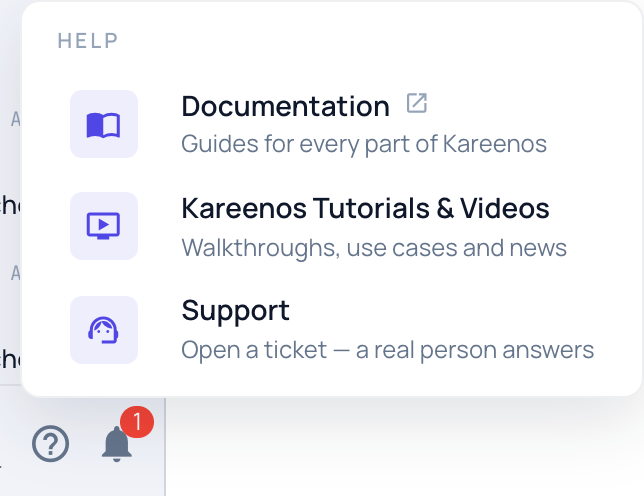
Press Open in Kareenos above, or press the ? at the bottom of the sidebar and choose Kareenos Tutorials & Videos. Every user can reach it, whatever their access level.
Step by step: finding a post
Type a word in the search box, or narrow with the Topic selector. Videos shows the video posts only, and Most liked puts the posts other people found useful first.
Read the post in the feed. Press …see more to read a long post in full.
Press the play button to watch a video in place. On a picture post, swipe or use the arrows to move between pictures, and press a picture to see it full size.
Use the buttons under a post to open what it points to, such as the project on GitHub or its listing in the Kareenos marketplace.
Languages
The library follows the language you picked in the account menu. When a post exists in more than one language, small language buttons on the post switch it. When a post exists only in another language, it says so and shows that version rather than an empty card.
Like and share
Press Like on a post that helped you. The count tells the Kareenos team which posts are useful, so more of them get made. Press Copy link to send a post to a colleague: the link opens the library at that post.
The welcome video
New accounts see a short welcome video the first time someone signs in. Close it to see it again next time, or tick "Do not show again" to stop it. If a newer welcome video is published later, it appears once more so you do not miss it.
On the website
The same library is published publicly at kareenos.com/en/resources/video-tutorials, which is useful for sharing a post with someone who does not have an account yet. Visitors can watch, read and like posts there without signing in.